Website monitoring is now standard practice for any professional IT or marketing infrastructure. However, not every monitoring method provides the same level of insight. The ping check is particularly common – it's simple, fast, and resource-efficient. In contrast, the actual website query (HTTP/HTTPS check) is much closer to the actual user experience.
But what exactly are the differences between these two methods – and when is each one appropriate?
A ping check is based on the ICMP protocol (Internet Control Message Protocol). It verifies whether a server is reachable at the network level.
In short:
👉 If the server responds to a ping signal, it is considered "online."
Very low system load
Extremely fast
Easy implementation
Well-suited for basic network accessibility
No information about the web server (Apache, Nginx, IIS, etc.)
No checking of HTTP status codes
No detection of application or database errors
Ping may be intentionally blocked on firewalls or servers
Conclusion: A server can respond to a ping even if the website is not working for users.
A real website request sends a genuine HTTP or HTTPS request to the website – similar to what a browser would do.
Among other things, the following can be checked:
HTTP status codes (e.g., 200, 404, 500)
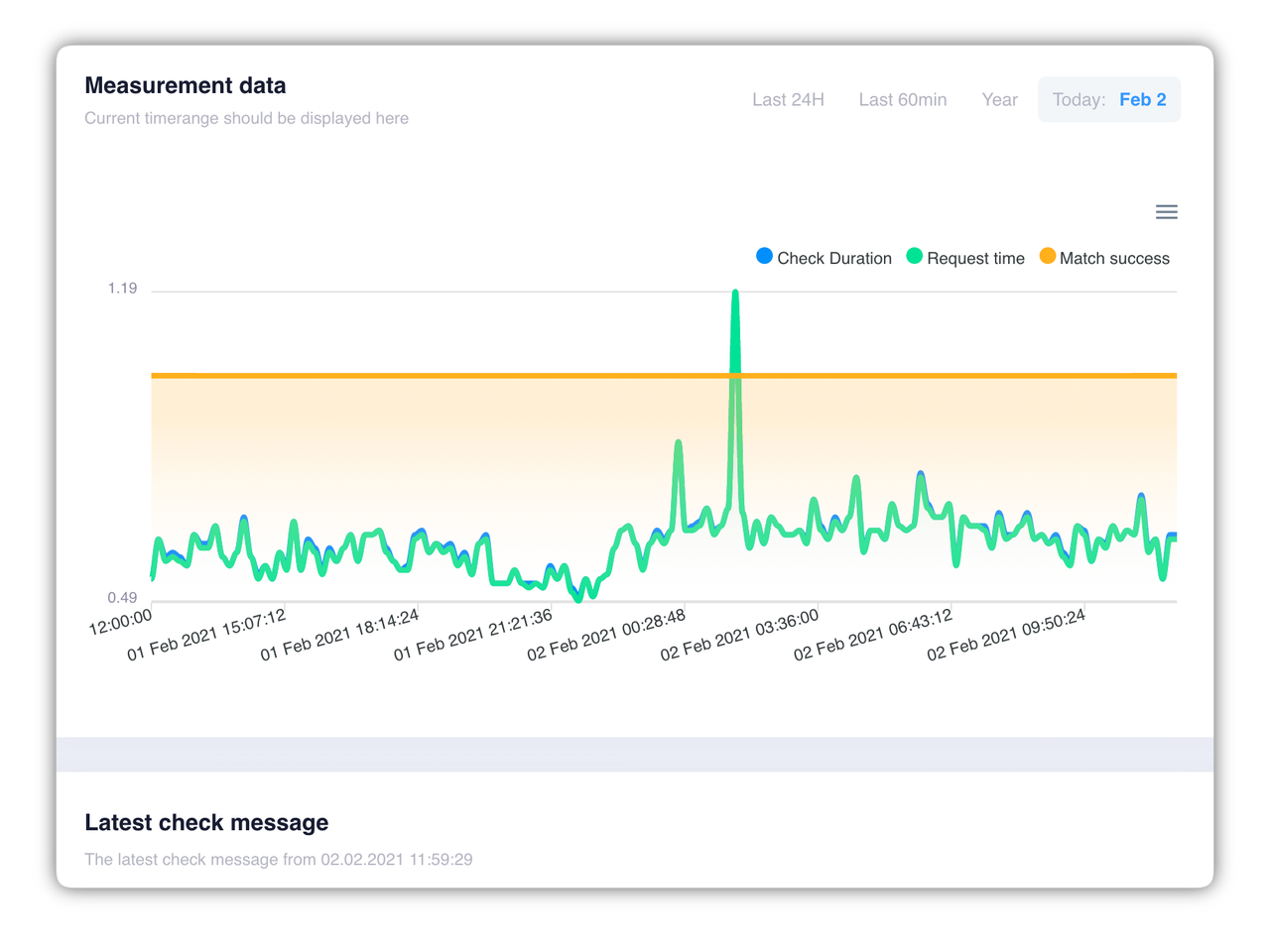
Response times (Time to First Byte, load time)
Redirects
SSL certificates
Content (e.g., whether a specific text is present)
High level of accuracy
Reflects the actual user experience
Detects application and configuration errors
Suitable for SLA monitoring
Higher resource consumption
Somewhat more complex setup
Dependence on the web server and application logic
basic server availability needs to be checked
network problems need to be detected early
resources need to be kept to a minimum
the website is business-critical
availability is relevant from the user's perspective
SLAs need to be met
performance or content errors need to be detected
Best Practice:
👉 Combine both methods. Use ping for quick basic monitoring and HTTP checks for true availability control.
A ping check shows that a server is running – nothing more.
A real website query shows that a website is actually working.
Those who rely solely on ping risk not noticing outages until users are already affected. For modern web projects, real website queries are therefore not a luxury, but a necessity.
Here we answer questions about server monitoring from Livewatch. If you have a question that we have not yet answered here, please contact us.
In recent months, several critical security vulnerabilities have been discovered in server systems that can potentially have serious consequences for IT security. Some of the most significant vulnerabilities are presented below:
1. CVE-2024-37079: Security vulnerability in VMware vCenter Server
In June 2024, a critical vulnerability was identified in VMware vCenter Server. This vulnerability allows attackers to execute arbitrary code using manipulated packages, leading to a heap buffer overflow and endangering services. VMware has already released a patch that should be installed urgently.
2. CVE-2024-49113: LDAPNightmare in Windows servers
A recently discovered vulnerability in the Windows Lightweight Directory Access Protocol (LDAP) implementation, known as CVE-2024-49113, allows attackers to cause a denial-of-service (DoS) condition by crashing the Local Security Authority Subsystem Service (LSASS). Microsoft fixed this vulnerability in December 2024.
3. CVE-2024-20697: Vulnerability in Windows 11 and Server 2022
A vulnerability in Windows 11 and Windows Server 2022 allows attackers to execute arbitrary code when extracting RAR files. Microsoft fixed this vulnerability in January 2024 and recommends installing the patch and avoiding opening RAR files from unknown sources.
4. CVE-2024-21410: Critical vulnerabilities in Microsoft Exchange servers
The Federal Office for Information Security (BSI) reported in March 2024 that at least 17,000 instances of Microsoft Exchange servers in Germany are vulnerable to critical vulnerabilities. These gaps are already being actively exploited by cyber criminals. The BSI recommends using current versions of Exchange, installing available security updates and configuring the instances securely.
5. CVE-2024-49112: Zero-day vulnerability in Windows and Windows Server
A zero-day vulnerability in Windows and Windows Server enables denial-of-service attacks because it causes the operating system to crash. Windows 10, Windows 11 and Windows Server 2016, 2019 and 2022 are affected. Microsoft fixed this vulnerability in August 2024.
In today's digital world, a stable IT infrastructure is crucial. A failure of your website or server can cost customers and damage trust in your company. Livewatch.de offers you a professional monitoring solution that monitors your systems around the clock and alerts you immediately if there are any problems.
✅ 24/7 monitoring – your servers, websites and services are continuously checked. ✅ Immediate alarm – receive notifications by email, SMS or push message as soon as a problem occurs. ✅ Detailed analyses – use extensive reports and statistics to optimize performance. ✅ Globally distributed monitoring locations – your systems are tested from multiple locations to ensure global accessibility. ✅ Easy setup – Ready to go quickly, without complicated configuration.
With Livewatch.de you can minimize downtime and ensure optimal accessibility of your IT systems. Test our service today and secure reliable monitoring!
You can use the ping test to check the network connection between your computer and another device or server. Here are the steps to perform the ping test:
Open Command Prompt:
Enter the ping command:
ping command followed by the target's IP address or hostname. For example: ping www.example.com or ping 192.168.1.1.Waiting for results:
Open the terminal:
Enter the ping command:
ping command followed by the target's IP address or hostname. For example: ping www.example.com or ping 192.168.1.1.Waiting for results:
Packet Loss:
Average response time:
The ping test is a simple but useful tool to identify basic network connection problems. If you're having trouble connecting to a specific server or website, the ping test can help determine if the difficulties are due to network issues.
Typically, a web page is not pinged directly because ping is based on the Internet Control Message Protocol (ICMP) and many web servers block ICMP packets to protect against potential attacks. Instead, Hypertext Transfer Protocol (HTTP) or secure HTTPS is commonly used to verify web pages.
If you still want to try to check the accessibility of your website via ping, you can do this on the command line (Windows) or in the terminal (Linux/Mac). To do this, use the following format:
ping your-website.de
Replace “your-website.de” with the actual URL of your website. However, note that many web servers can block ICMP packets, which may result in the ping not being successful even if the website is reachable.
For a more accurate check of website availability, it is better to use tools that send HTTP requests. Here are some examples:
Curl (command line):
curl -I your-webseite.de
This command uses Curl to send an HTTP head request to your website. You should receive an HTTP status code response, which will give you more information about the status of the website.
Wget (command line):
wget --spider your-website.de
The wget command with the --spider flag performs a similar function to curl and returns information about the connection states.
Online tools: There are also many online tools that can check the availability of your website. You can simply search for “website availability check” or similar terms to find relevant services.
To fully monitor your website's uptime and performance, you might also consider using specialized monitoring services or tools, which typically provide more detailed information and alerts.
When you perform a ping test, ICMP packets are sent to the specified address. Ping is often confused with latency. Ping stands for a signal sent to and from another computer over a network. The measurement of this round trip is the latency. If this round trip works, you will receive a measured value as an answer, which at the same time confirms the accessibility of the addressed computer. If the ping test does not work, the addressed computer is either not accessible or other factors (e.g. firewall) have prevented the request (PING, ICMP).
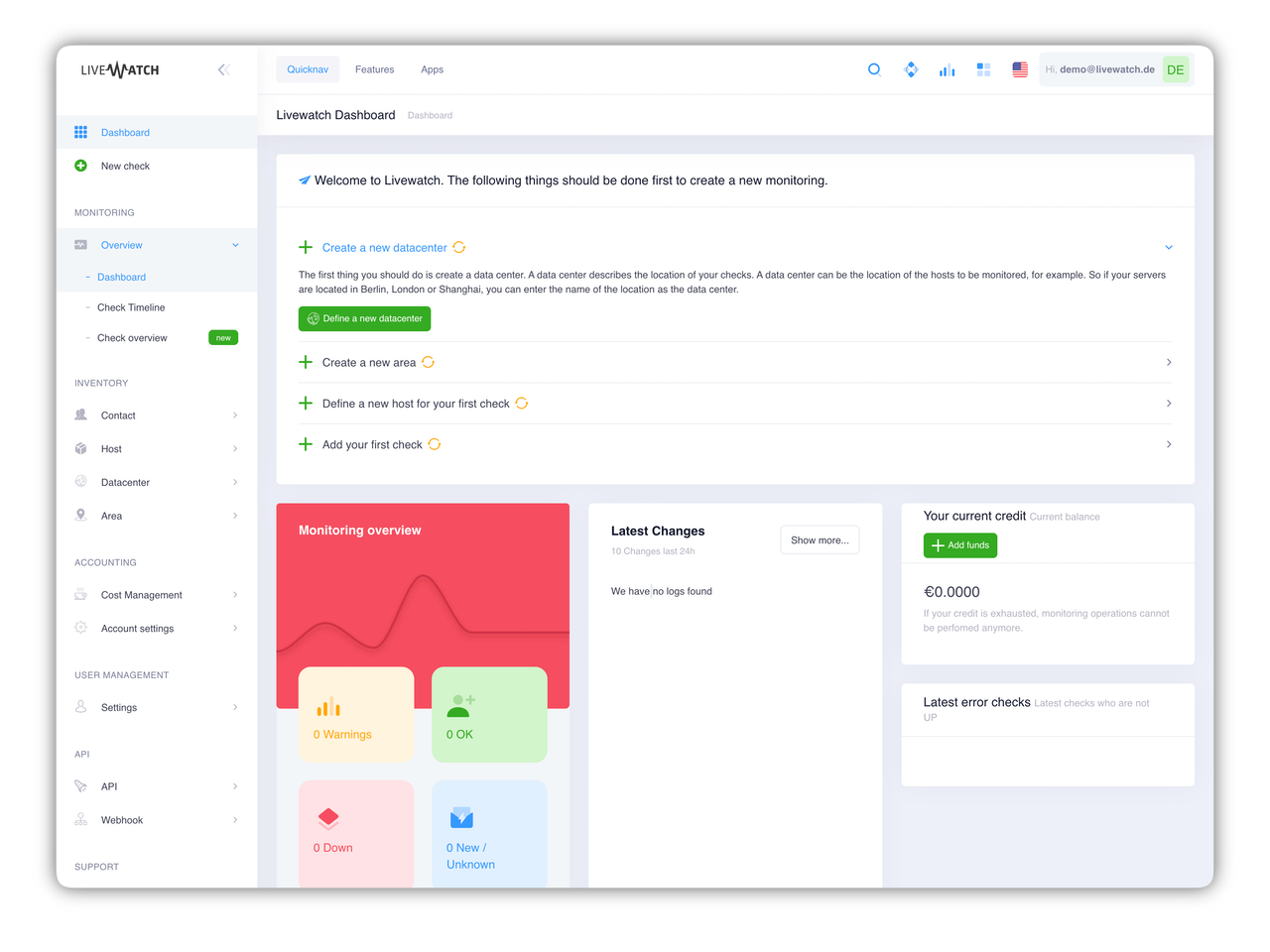
Create, manage, analyze. No problem with our Livewatch Server Monitoring Control Panel. After registration you will get immediate access and you can start the server monitoring of your website.