Dividing IP addresses into smaller networks is called subnetting. It's used in many networks to better organize devices. However, many administrators underestimate the importance of proper planning. Incorrect subnet planning can lead to problems later on.
A common mistake is planning subnets that are too small. If new devices are added later, there may not be any free IP addresses left. Then the network has to be rebuilt, which can be quite complex.
Therefore, you should plan for slightly more addresses than you currently need right from the start. Especially in virtual environments or cloud infrastructures, a network often grows faster than expected.
Every subnet has some addresses that cannot be used by devices. These include, for example, the network address and the broadcast address. These are often forgotten at the beginning of the planning process.
If you don't take this into account, you might end up with fewer usable IP addresses than you anticipated.
Sometimes IP addresses are simply assigned sequentially without any prior thought given to a structure. While this might work well initially, it becomes increasingly confusing over time.
Typically, you would separate areas for, for example:
If this isn't done, troubleshooting later becomes significantly more complicated.
Another problem can be overlapping subnets. In this case, two network areas partially overlap. This can lead to devices becoming unreachable or routing malfunctioning unexpectedly.
Such errors often occur when multiple people are involved in network planning or when changes aren't documented.
Subnets are not only used to distribute IP addresses but also to logically separate networks. This allows you to create security zones, for example.
Server networks, office networks, and management networks are often kept separate from each other. This improves security and simplifies administration.
A very practical problem in many networks is missing or outdated documentation. If no one knows exactly which subnets exist, every change to the network becomes more difficult.
A simple overview of the network segments in use is extremely helpful for maintenance, troubleshooting, and expansion.
Subnetting is not just about mathematically dividing IP addresses. Good planning ensures that the network remains manageable and can be expanded in the future. Those who consider structure, reserves, and documentation avoid many common mistakes.
Here we answer questions about server monitoring from Livewatch. If you have a question that we have not yet answered here, please contact us.
"Ip lookup" refers to searching for information about a specific IP address. The term is often used to describe the process of discovering details about an IP address. This can include different types of information depending on the resources available and the type of IP address lookup. Here are some aspects that can be captured during an “IP lookup”:
Geographic Information:
ISP (Internet Service Provider):
Type of Service:
Reverse DNS Lookup:
Blacklist Status:
Technical Information:
Online Tools:
Command line tools:
Specialized Services:
It is important to note that not all information about an IP address is available or accurate. Some information may be restricted due to privacy or security considerations, and the accuracy of the information may vary.
Your public IP address alone doesn't reveal much personal information, but it can still reveal some general information about your internet connection and location. Here is the main information that may be accessible through the public IP address:
General geographical location: A rough geographical location can be determined based on the public IP address. However, this is usually limited to the city or country and not your exact address.
Internet Service Provider (ISP): The IP address allows you to identify the Internet service provider through which you are connected to the Internet.
Type of Internet connection: The IP address can sometimes also be used to determine the type of Internet connection, for example whether it is a DSL, cable or mobile connection.
Proxy Usage: In some cases it can be detected if you are using a proxy server to hide your IP address.
It is important to note that the public IP address is usually assigned to your internet router and not directly to your computer. Therefore, it provides only limited information about individual devices on a network.
However, there are various online tools and services that attempt to provide more detailed information about an IP address, including possible security issues or services running on that IP address. Typically, this information is limited and not as detailed as the information a service provider might have about you. To protect your privacy, it is advisable to be conscious of your personal information online and ensure that your network settings are configured securely.
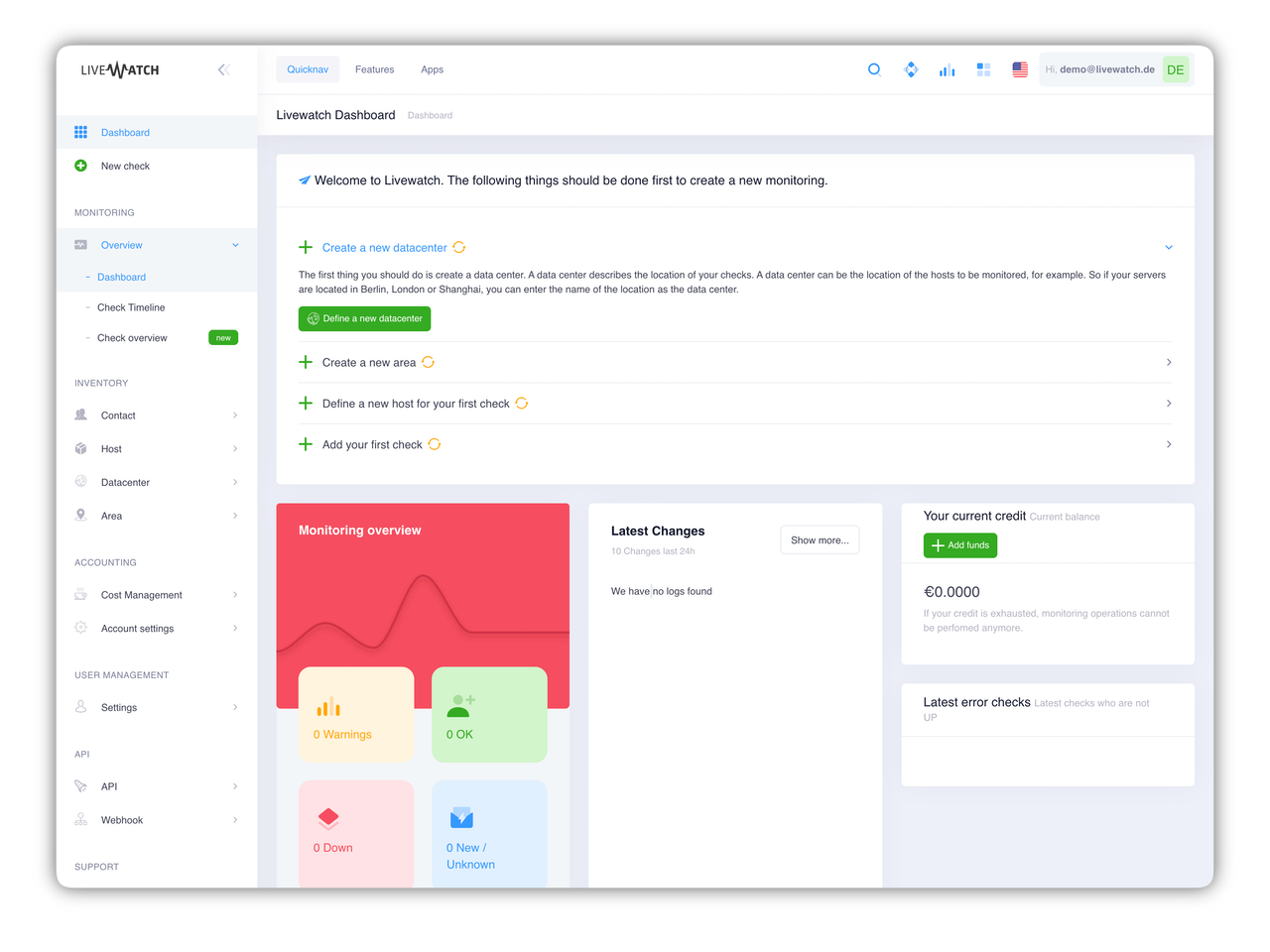
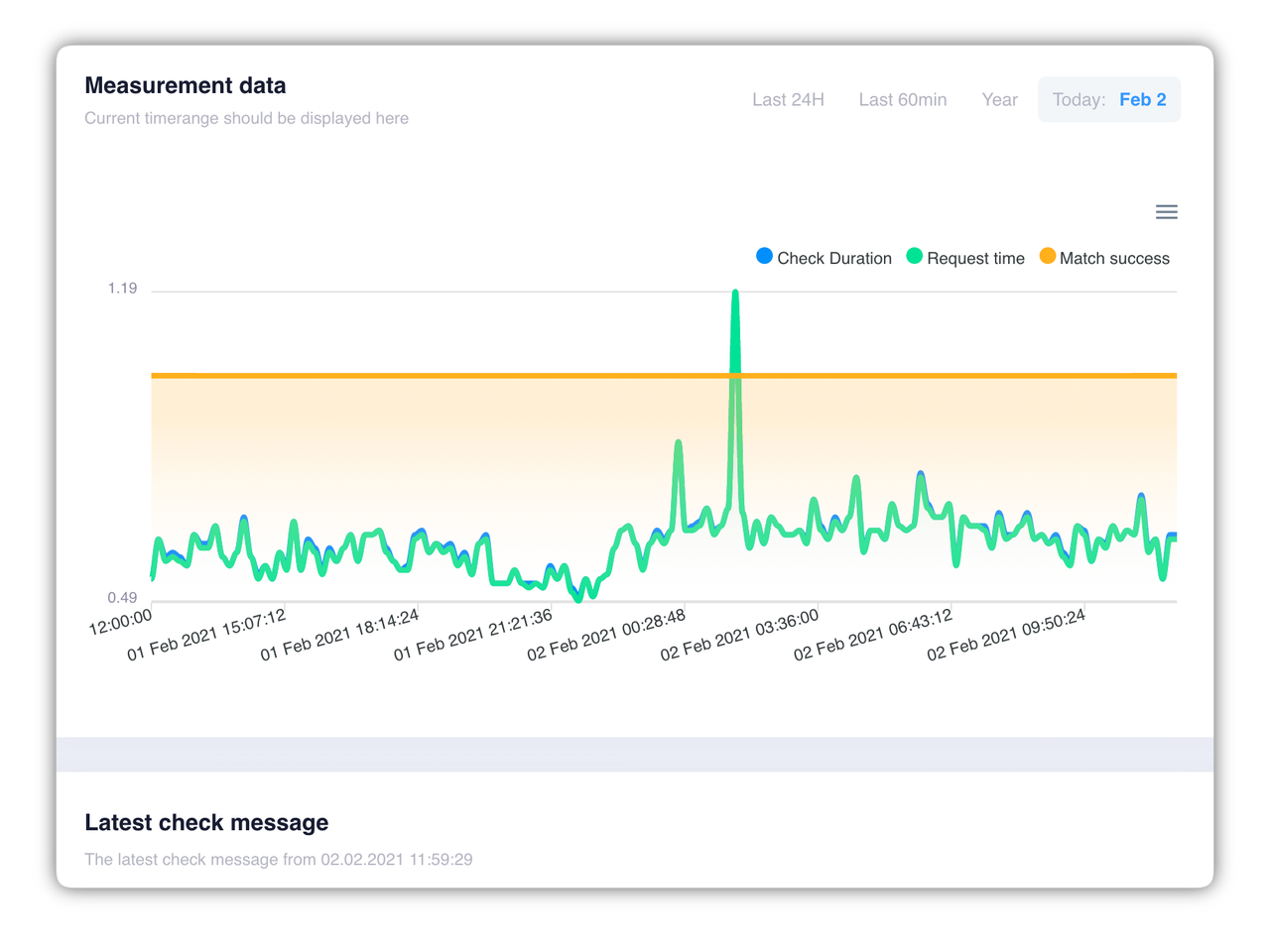
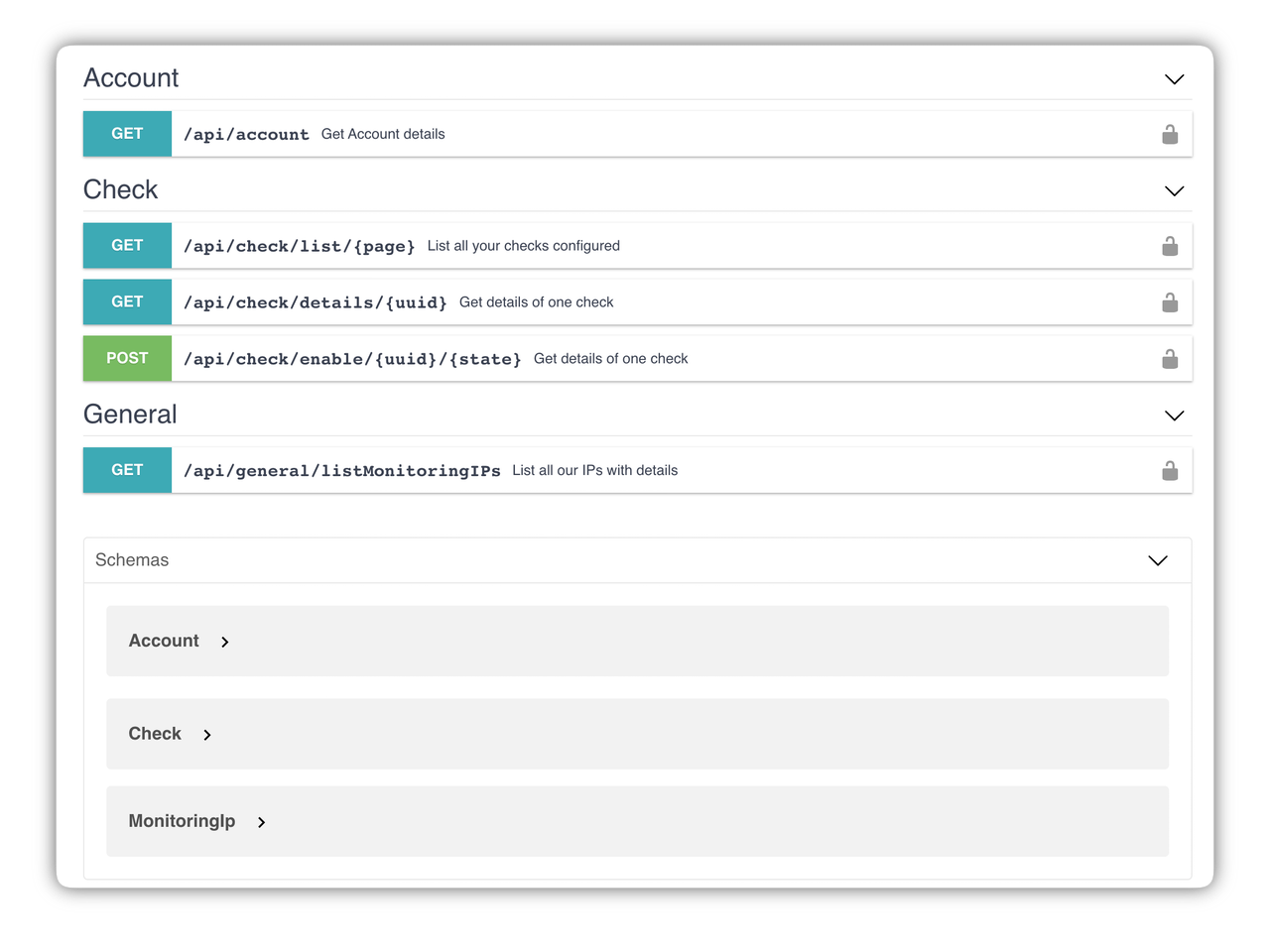
Create, manage, analyze. No problem with our Livewatch Server Monitoring Control Panel. After registration you will get immediate access and you can start the server monitoring of your website.